
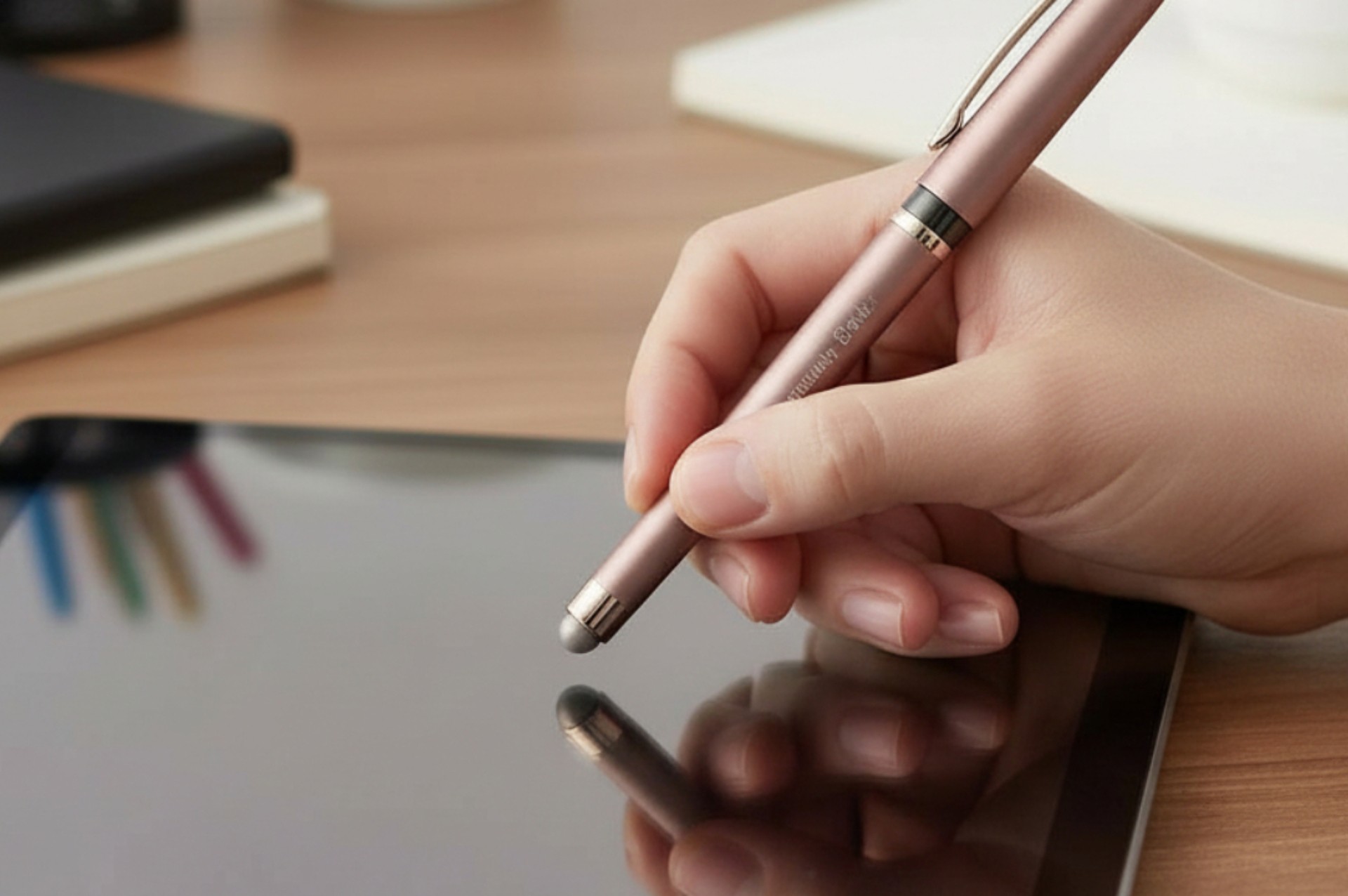
In a world where creativity and productivity live on glass screens, the stylus pen bridges the gap between traditional writing and digital precision. Shaped like a familiar pen, it transforms smartphones, tablets, and touch-enabled laptops into intuitive tools for drawing, note-taking, and design — offering a level of control that fingertips simply can’t match.
How Stylus Pens Work
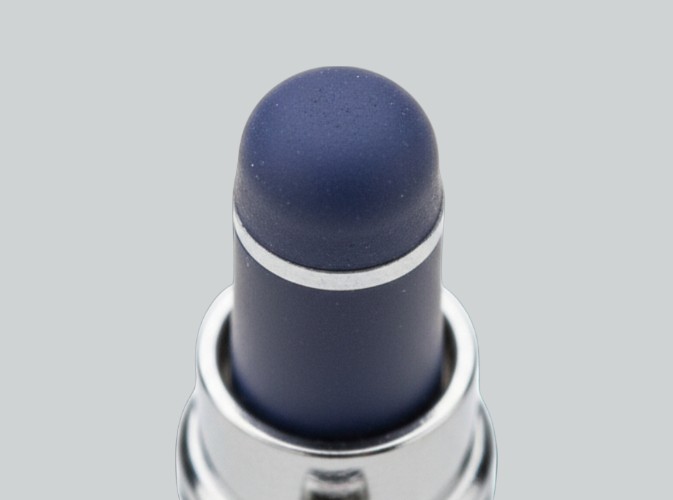
Most touchscreens work by sensing tiny electrical changes when your finger touches the screen. A stylus pen does the same thing, just in a more controlled way. Its tip is made from special conductive materials that “trick” the screen into thinking it’s your finger — but with way more precision.
There are a couple of different types of stylus pens. Basic ones work on almost any touchscreen and are great for simple tapping, scrolling, or quick notes. More advanced, active styluses have electronics built inside, which unlock features like pressure sensitivity, tilt detection, and palm rejection. Those extras make writing and drawing feel smoother, more natural, and a lot closer to using a real pen or pencil.
Everyday Uses of Stylus Pens
Stylus pens have become versatile tools across personal, educational, and professional needs:
- Navigation and typing: Faster, cleaner tapping and gestures without greasy screen marks
- Note-taking and annotation: Write notes directly on digital documents and convert handwriting to searchable text
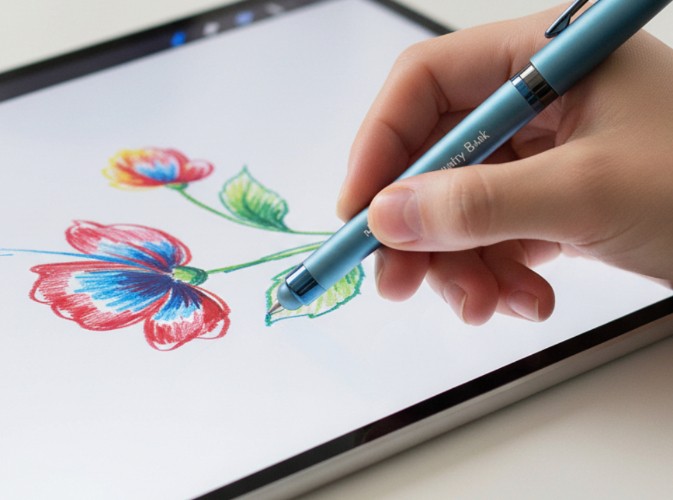
- Digital art and sketching: Achieve finer control and expressive marks for illustrations, design work, and creative projects
- Document signing and productivity: Sign forms, mark up PDFs, and collaborate in real time with precision input
- Accessibility: Ideal for users who find touchscreen tapping difficult due to motor-control challenges
Why Choose a Stylus Over Fingers
Stylus pens offer several advantages compared to using your finger on a touchscreen:
- Precision: Fine tips allow accurate tapping, dragging, and drawing — especially helpful for small icons or detailed tasks
- Comfort: Feels more like writing with a traditional pen, reducing fatigue during extended use
- Clean screens: Less direct contact means fewer smudges and fingerprints
- Productivity: Easier editing, annotation, and navigation can speed up workflows in business or school settings
Stylus Pens as Everyday Tools
Because they blend writing and touchscreen control, stylus pens are widely used in business settings, classrooms, creative studios, and everyday life. Many designs (but not all) pair a stylus tip with a traditional ink pen in a single tool, giving you two functions in one compact device.
Whether you’re sketching detailed illustrations, annotating documents on the go, or simply navigating your device with added ease, a stylus pen enhances how you work and create.